forked from mirrors/qmk_userspace
| Filename | Latest commit message | Latest commit date |
|---|---|---|
| .. | ||
| ansi_knob | ||
| iso_knob | ||
| jis_encoder | ||
| via_json | ||
| config.h | ||
| halconf.h | ||
| info.json | ||
| matrix.c | ||
| mcuconf.h | ||
| q1_pro.c | ||
| q1_pro.h | ||
| readme.md | ||
| rules.mk | ||

Keychron Q1 Pro
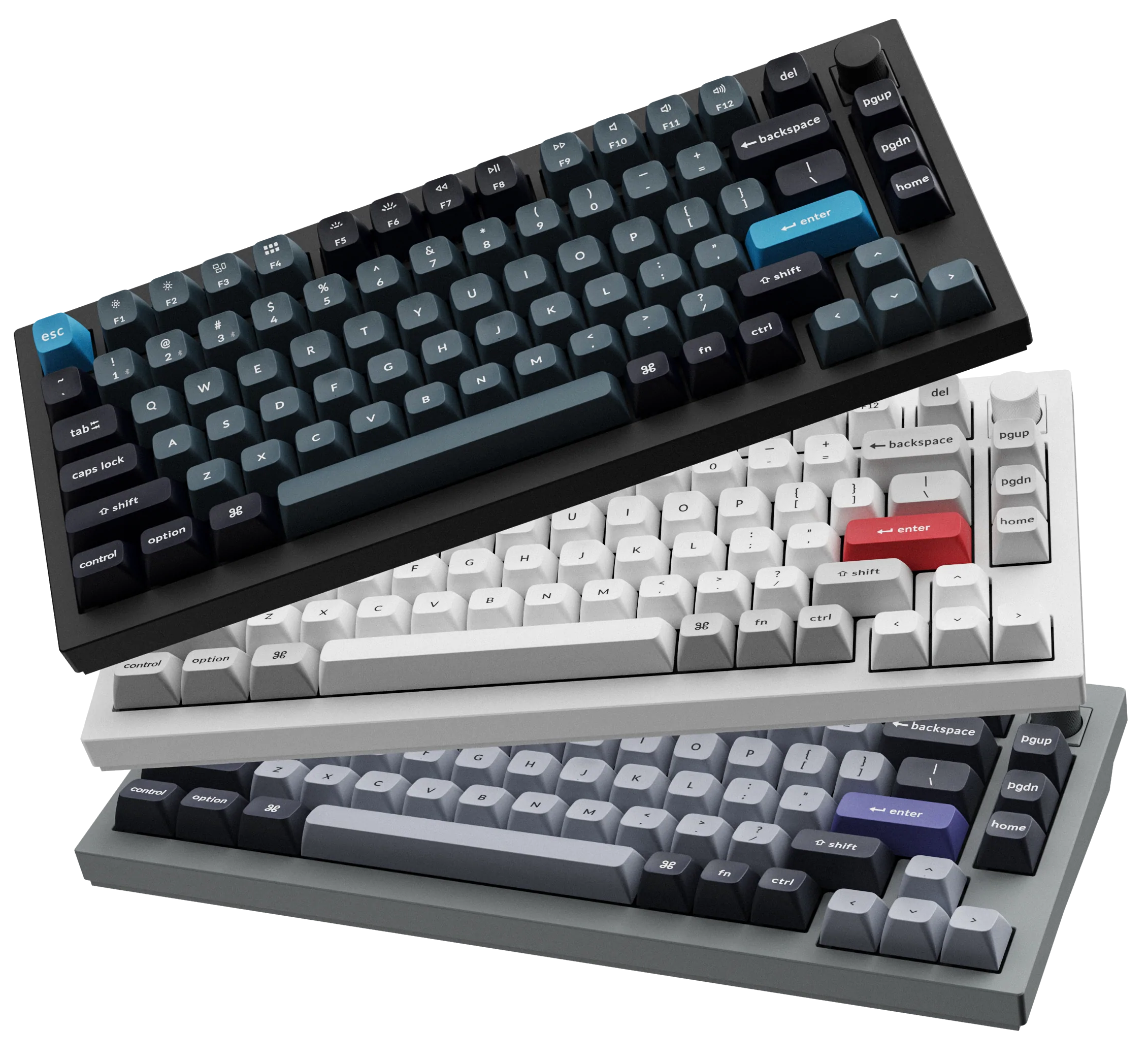
A customizable 81 keys TKL keyboard.
- Keyboard Maintainer: Keychron
- Hardware Supported: Keychron Q1 Pro
- Hardware Availability: Keychron Q1 Pro Wireless, Customizeable, QMK/VIA Mechanical Keyboard
Make example for this keyboard (after setting up your build environment):
make keychron/q1_pro/ansi_knob:default
Flashing example for this keyboard:
make keychron/q1_pro/ansi_knob:default:flash
Reset Key: Connect the USB cable, toggle mode switch to "Off", hold down the Esc key or reset button underneath space bar, then toggle then switch to "Cable".
See the build environment setup and the make instructions for more information. Brand new to QMK? Start with our Complete Newbs Guide.