
3.8 KiB
Git commands
-
Resetting local to specific commit
https://stackoverflow.com/questions/4114095/how-do-i-revert-a-git-repository-to-a-previous-commit
git reset --hard <commidId> && git clean -for a safer
git clean -icommit id:
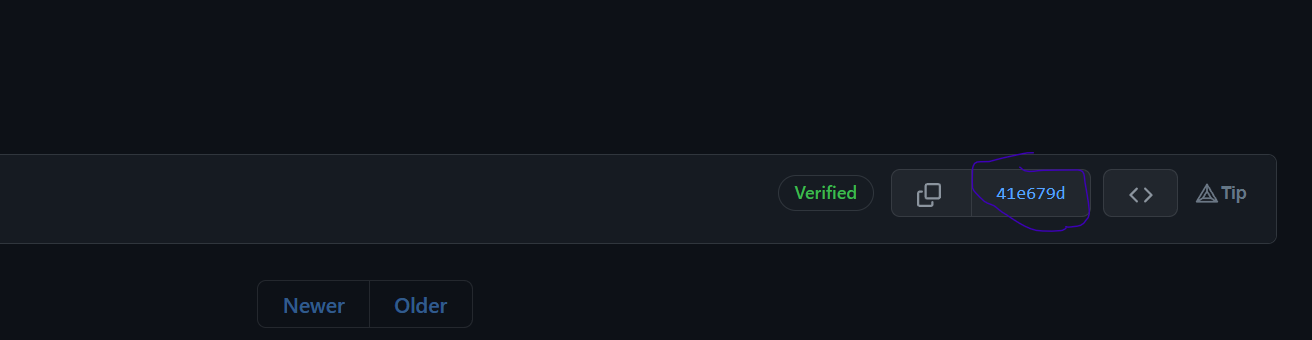
Use
git logfor commit id.Reverting Working Copy to Most Recent Commit
To revert to the previous commit, ignoring any changes:
git reset --hard HEADwhere HEAD is the last commit in your current branch
Reverting The Working Copy to an Older Commit
To revert to a commit that's older than the most recent commit:
# Resets index to former commit; replace '56e05fced' with your commit code
git reset 56e05fced

# Moves pointer back to previous HEAD
git reset --soft HEAD@{1}

git commit -m "Revert to 56e05fced"

# Updates working copy to reflect the new commit
git reset --hard

# Push your changes to respective branch
git push -f
save modifications before resetting:
# Alternatively, if there's work to keep:
git stash
git reset --hard 0d1d7fc32
git stash pop
# This saves the modifications, then reapplies that patch after resetting.
# You could get merge conflicts, if you've modified things which were
# changed since the commit you reset to.
To revert changes after git push use revert instead of reset —hard
git revert <commit_hash>or simply use below after using reset —hard
git push -f origin maindo not use —force, this will make all your coworkers hate you, use —force-with-lease, this will only allow you to push the code if there are no conflicting changes with the current parent branch
-
Branches
https://www.geeksforgeeks.org/how-to-set-upstream-branch-on-git/

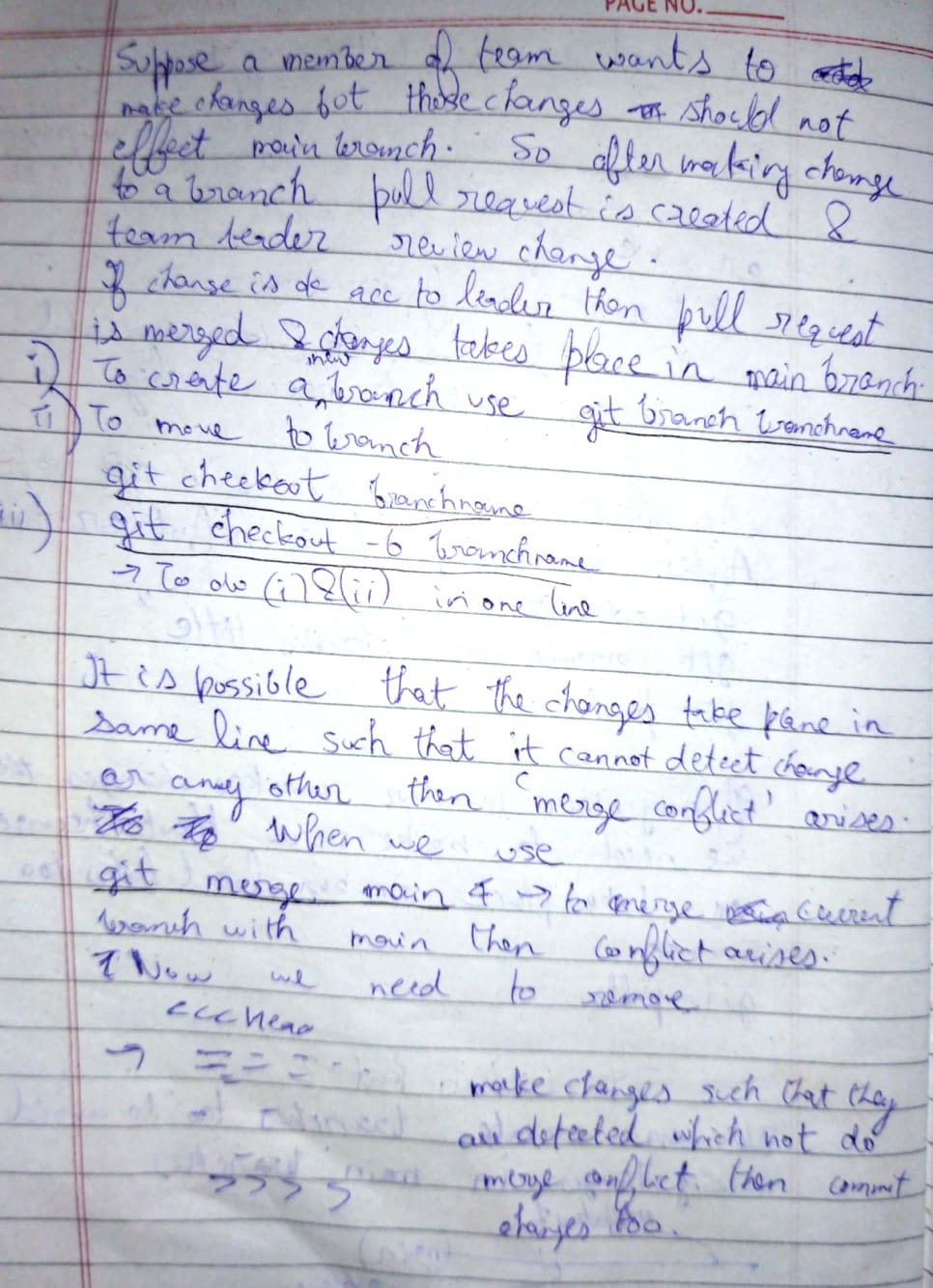 for adding remote url
git remote add <name> <url>thengit push --set-upstream <name> masterPS C:\Users\harsh\Videos\imp\react\github\test1>git branch main -u origin/mainBranch 'main' set up to track remote branch 'main' from 'origin'.**PS C:\Users\harsh\Videos\imp\react\github\test1>
git branch test -u origin/testBranch 'test' set up to track remote branch 'test' from 'origin'.git push --set-upstream origin <branch name>to show remote git details like url and all thatgit remote show originorgit remote -v(to see only url) To edit current urlgit remote set-url origin git@bitbucket.org:tutorials/tutorials.gitMerging other branch to main:
Make sure first you update your development branch with master to resolve conflicts issue(if there are any):
git checkout main
git pull origin main
git checkout development
git merge main
Now see if master branch is merged without any conflict, if there's any conflict then you'll have to resolve them. Once you're done with that, you can:
git checkout main
git merge development
git push origin main
To copy content from A to B
git checkout Bgit merge AIf A is test and B is main then
git checkout maingit merge testTo create a branch of specific commit:
git checkout -b old_state <commit_hash> -
Configuration
git config —-global [user.name](http://user.name) 'moss'