
2.4 KiB
yt-dlp https://github.com/yt-dlp/yt-dlp https://ostechnix.com/yt-dlp-tutorial/
-
downloading video in specfic format for highest being 480p use
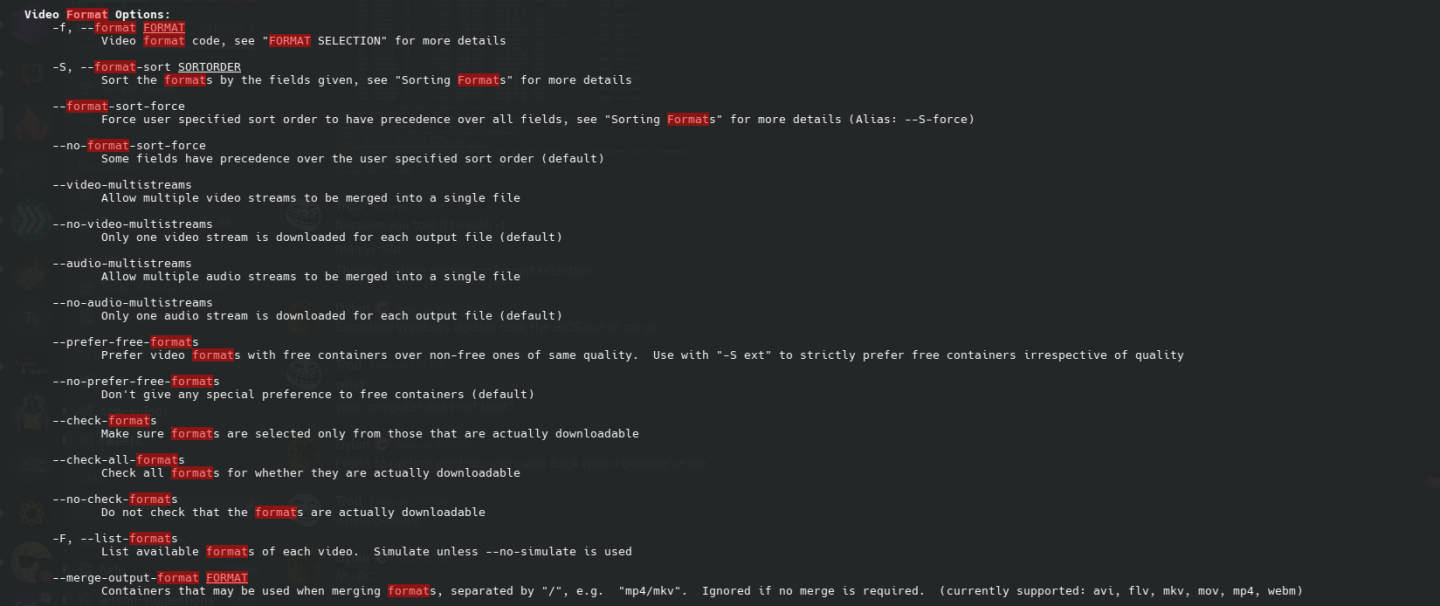
yt-dlp -f "best[height<=480]" <URL>Make sure to remove the video from that folder too bcz it wont replace it oryt-dlp -f "best[height<=480][ext=mp4]" <URL>most of time there r video only for higher reolution so need to be combine audio and video which yt-dlp will do using ffmpegyt-dlp -f "bv*[height<=480][ext=mp4]+ba" https://www.youtube.com/watch?v=RZmHlKpDpUU -o output.mp4oryt-dlp -f "bestvideo[height<=720][ext=mp4]+bestaudio[ext=m4a]/best[height<=720][ext=mp4]" "https://www.example.com/video"bv+bameans best video+best audio It will download video only stream of sometimes webm format but with ffmpeg it will convert it to mp4 anyway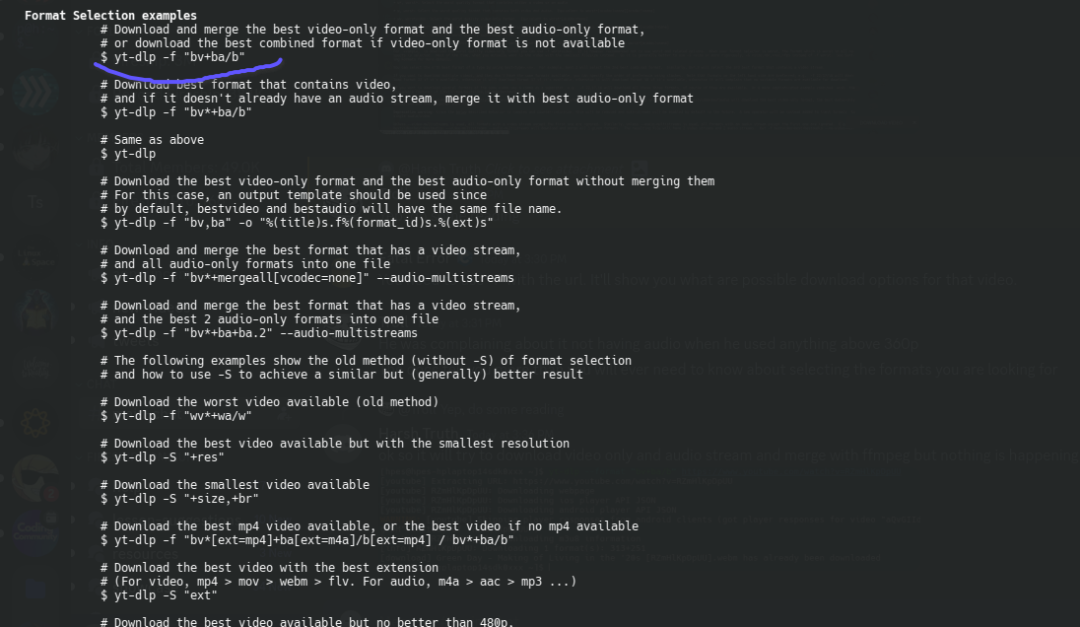
-
getting video name from playlist
yt-dlp --get-filename -o "%(title)s" <youtube playlist url> -
download all songs from list of url with embeded thumnail too
yt-dlp -x --audio-format mp3 --embed-thumbnail --add-metadata -o "%(title)s.%(ext)s" -a urls.txt -
downloading yt video with cookies from browser use this flag
--cookies-from-browser firefox:xhn2zoyv.default -
personal cookies one command
yt-dlp -f "bestvideo[height<=720][ext=mp4][vcodec^=avc1]+bestaudio[ext=m4a]/best[height<=720][ext=mp4]" \
--write-subs --write-auto-subs --embed-subs --embed-thumbnail --add-metadata \
-o "%(title)s.%(ext)s" "https://www.youtube.com/watch?v=QQQUuCydpo0"
--cookies-from-browser firefox:iy5sikrq.default-release-1
 l
for downloading audio
yt-dlp -x --audio-format mp3 playlistURL
eg
yt-dlp -x --audio-format mp3 --write-subs --write-auto-subs --embed-subs --embed-thumbnail --add-metadata -o "%(title)s.%(ext)s" "https://m.youtube.com/playlist?list=OLAK5uy_lEekRFbRdvpkPx6orDy3HEVBzTHbC75qg" -t sleep
for subtitles download
yt-dlp --write-subs --skip-download --sub-lang en -o "%(title)s.%(ext)s" "https://youtube.com/watch?v=123" -t sleep
vpn
- when using vpn add
-4to use ipv4 and will help with faster download. - also your ip will be flagged so better use
-t sleep
when downloading hige playlist or channels make sure to use
yt-dlp --download-archive archive.txt "URL" to avoid downloading same videos again